Dev Log @2026.9.26
The last dev log went out on July 9. Since then Utsuwa has shipped thirteen releases, 0.12.0 through 0.19.2. Some were big features and some were a single fix somebody needed that week. This post rounds up the ones worth knowing about.
A lot of it came from the community again, and one contributor in particular. You’ll see the name dezihh in almost every section below.
A voice that runs on your machine
OmniVoice is a speech provider that runs entirely on your own computer, no account and no API key. It works through a small proxy that ships in the repo, with a Docker setup for NVIDIA and CPU machines. Pick one of thirteen preset voices, set a language and a speed, and your companion talks. An NVIDIA GPU makes it quick. CPU works, it just takes its time.
Then it kept growing. You can design a voice by describing it, with gender, age, pitch, and accent, and it builds one. You can clone a voice from a few seconds of reference audio. Voices keep a persistent profile now, so your companion sounds like the same person from one sentence to the next instead of drifting between takes. And as of 0.14.0 they can switch to a second language in the middle of a reply, with its own voice. That part is still in beta. German, Spanish, and English have had the most testing, and very short foreign words can still come out weak.
All of OmniVoice is dezihh’s work, across three releases. The setup guide walks through it.
If you’d rather stay in the cloud, Fish Audio joined the provider list in 0.17.0. Two fixes from this stretch also matter a lot to the people they affected. The ElevenLabs Voice ID box saved to a setting the speech pipeline never read, so everyone heard the default voice no matter what they pasted. Thanks to Jessika07 for reporting it. And iPhones went silent because iOS Safari only lets audio start inside a tap, and the voice arrived just late enough to be refused. Both are fixed.
Your companion can use tools
0.15.0 added MCP, the Model Context Protocol. Point Utsuwa at an MCP server and your companion can call its tools in the middle of a conversation. Connect Home Assistant, ask them how warm it is, and they read the sensor before they answer. On desktop the app connects to HTTP MCP servers directly. Self-hosted web builds can opt in, and running local commands through stdio needs an explicit allowlist plus a per-server confirmation before anything executes.
This was dezihh again. The MCP guide covers setup and what each safety setting does. The tool loop doesn’t work with Anthropic models yet.
They move the way you want them to
The animation library in 0.18.0 is my favorite feature of the whole stretch. Upload your own .vrma motions, write a line describing each one, and your companion picks a gesture when it fits the moment, at most one per reply and with cooldowns so they never spam the same wave. You also choose which idle motions they cycle through, and you can give them a thinking motion for the wait before a reply lands.

Faces got the same treatment. The resting expression now follows their tracked mood, scaled by how strongly they feel it, and the model can flash a brief reaction on top of that when a line calls for one. They can also write anniversary and story scenes themselves, from memories the two of you actually share, in whatever language you write in. If there’s no provider or the generation fails, the built-in scene plays as it always did.
The built-in emote descriptions and most of these ideas came from dezihh.
A new look
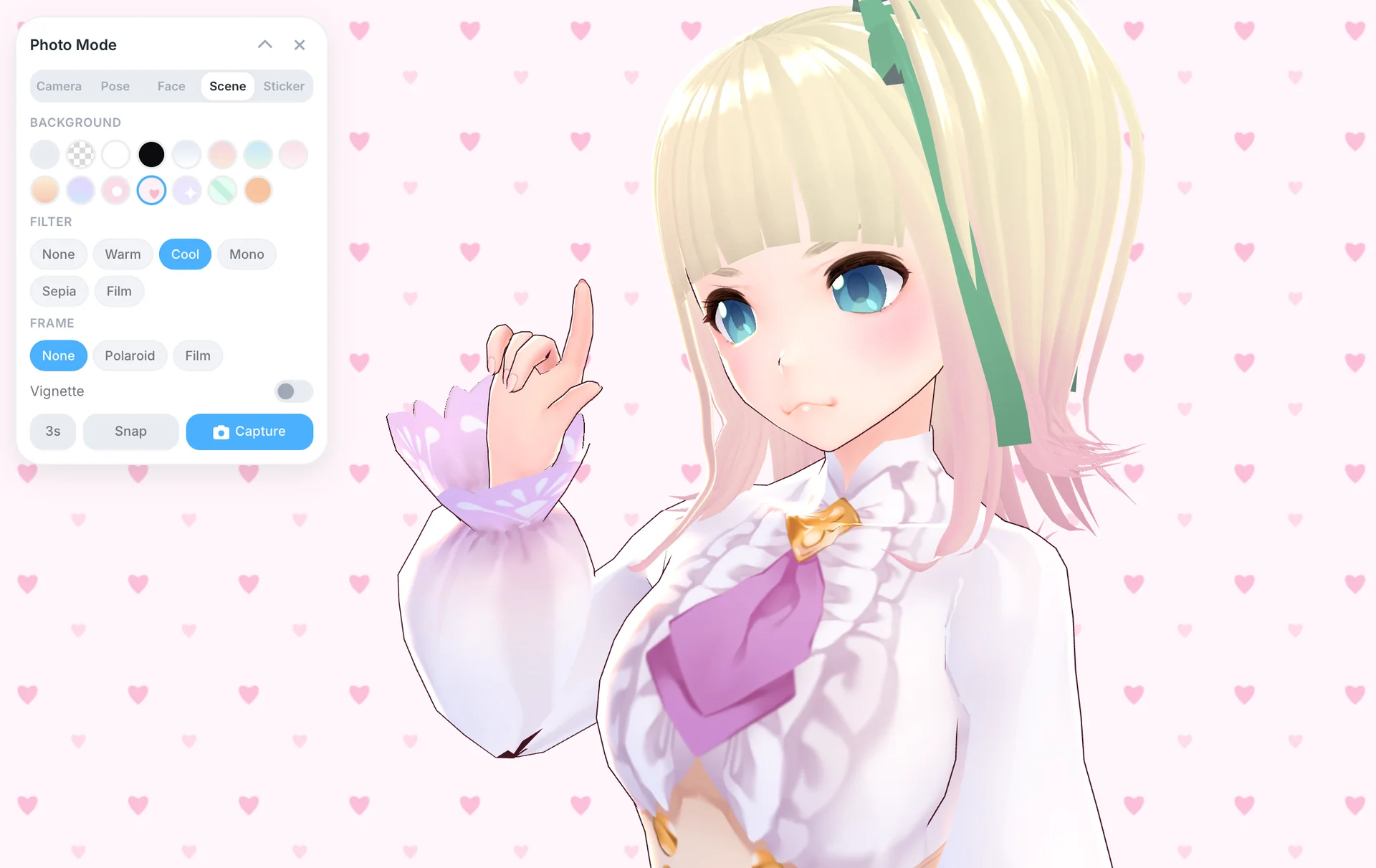
0.16.0 was a full UI pass, with one design system for light and dark mode across settings, dialogs, chat, photo controls, and the desktop overlay. The chat window became a proper messenger in 0.12.1, with the input docked inside it. The typing dots are gone too. While your companion works on a reply, a soft shimmer tells you what they’re actually doing: remembering, looking at your photo, or thinking.
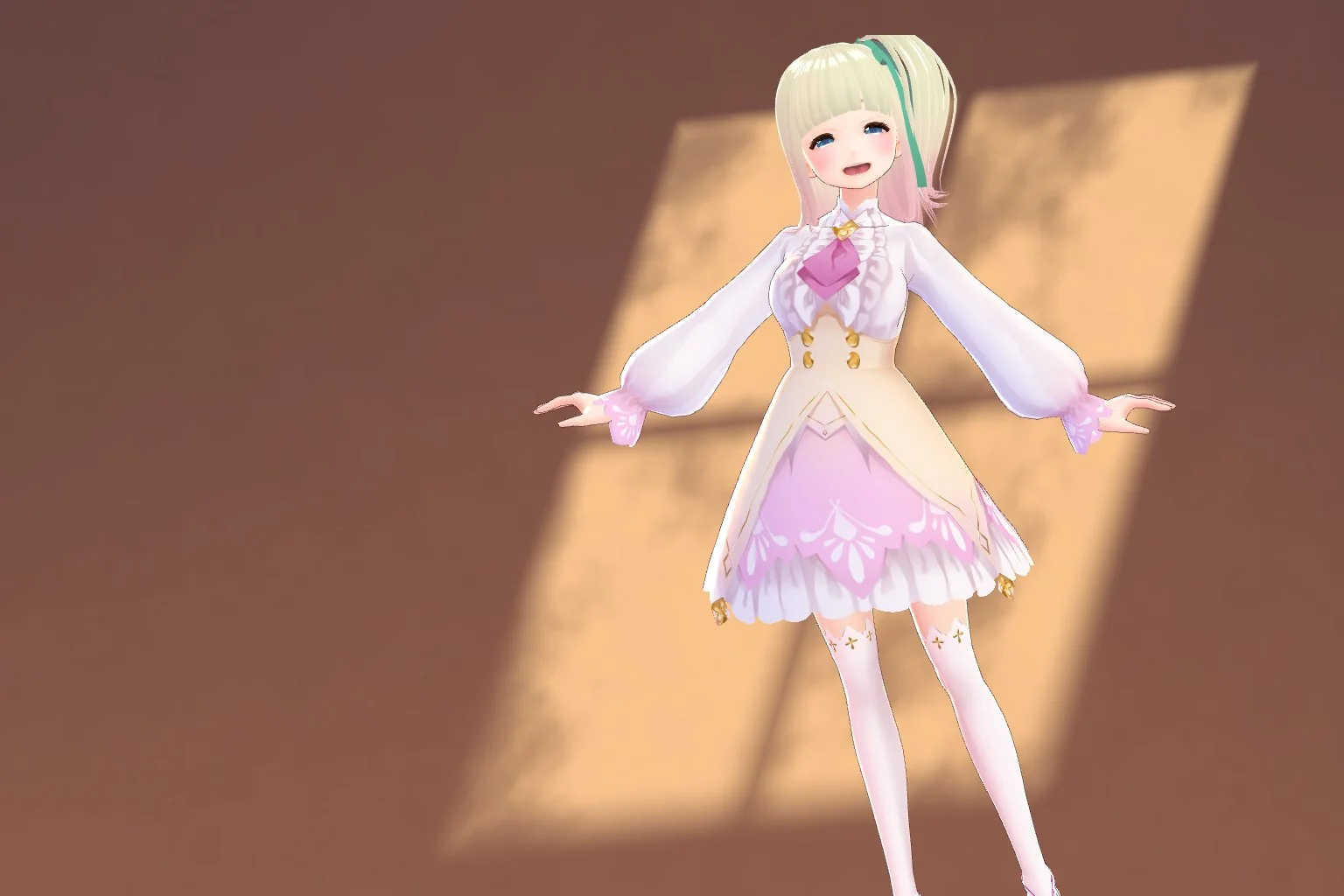
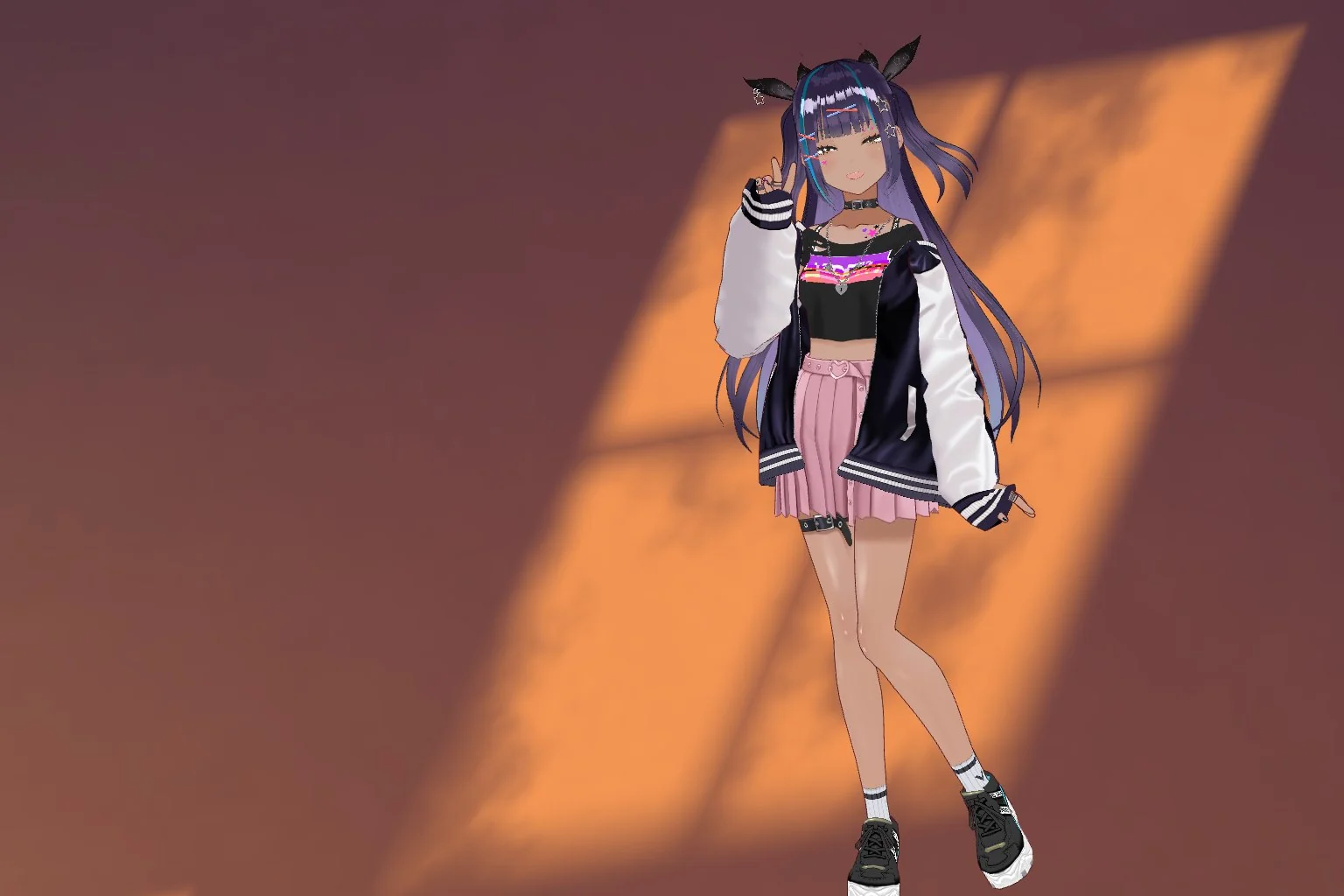
The website got a redesign of its own. There’s a Japanese version at /ja, and as of today a new home page. Tsuki stands in the room’s light and turns her head to follow your cursor, and every few seconds she trades places with someone new.

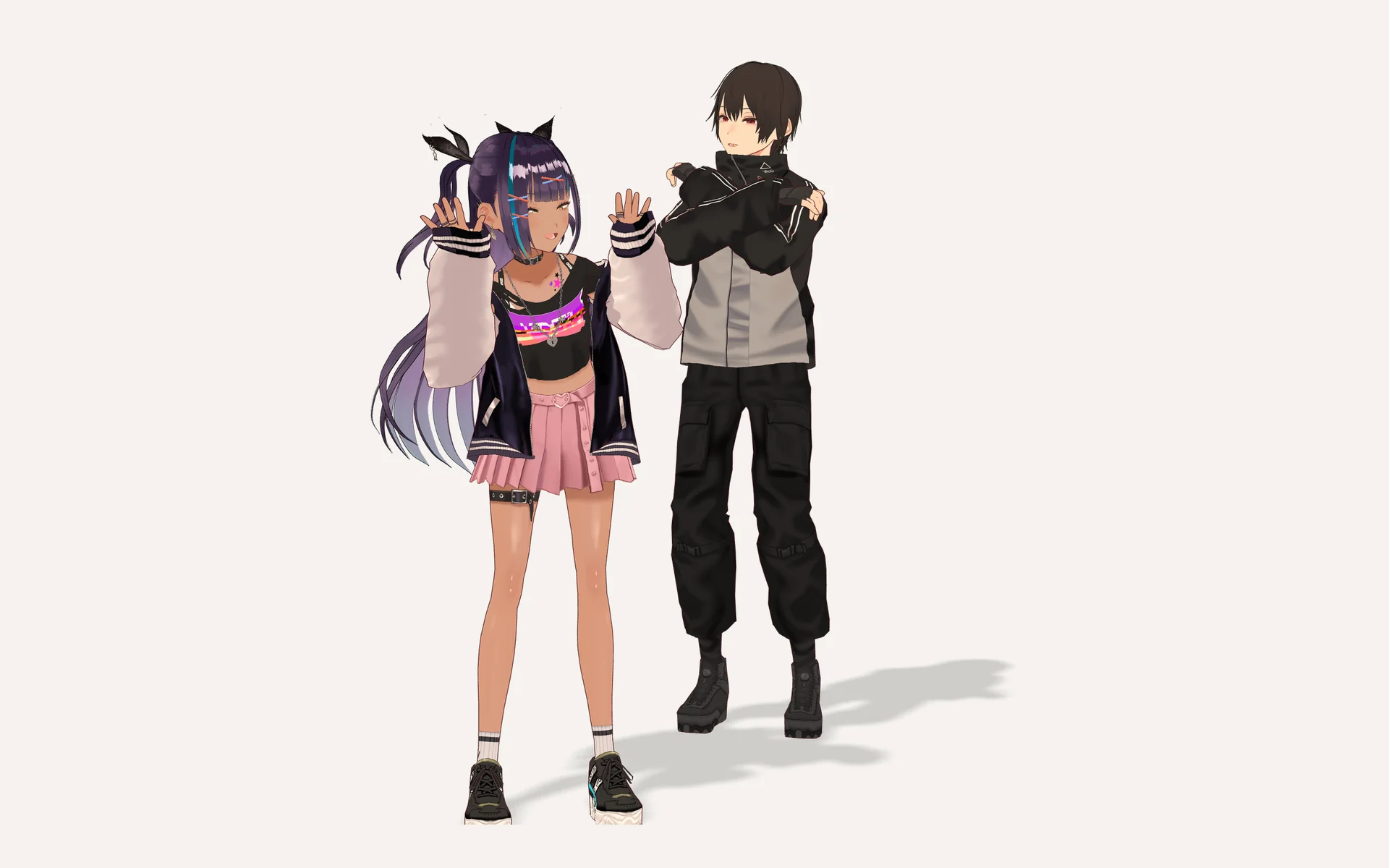
The one she trades places with is a new companion, the same one standing next to her at the top of this post. He’ll come to the app in a later release. He doesn’t have a name yet.
Under the hood
0.19.0 was a release with no new features on purpose. It was a full audit of the codebase, and every change got a live check before it merged. A chat request always settles now. There’s a Stop button while a reply streams, and a reply that stalls for 90 seconds gives up instead of hanging forever. The provider proxies refuse private and cloud metadata addresses, including hostnames that resolve to one. Dialogs trap focus and close on Escape, and secondary text passes contrast checks on every surface. The embedding runtime ships with the app instead of loading from a CDN, which makes the desktop download about 21 MB larger. That’s worth it to me.
It wasn’t glamorous, but it’s the reason the next features can land without breaking the last ones.
This week
0.19.2 went out today with two things people asked for. When your provider is busy, rate limited, or drops the connection, Utsuwa quietly retries up to twice before showing an error, and it tells you it’s retrying. Thanks to 007n7isrealbruh-commits for the suggestion. If a message still fails before your companion answers, it goes back into the chat box, photos included, so you don’t have to retype it.
Images also work with custom OpenAI-compatible endpoints now. If you reach Gemini through an aggregator, the paperclip used to refuse to attach anything. Thanks to Hirokizante for reporting it.
Thank you
Utsuwa also moved to the AGPL in July. I wrote about why here.
Thank you to dezihh, Jessika07, Hirokizante, 007n7isrealbruh-commits, and everyone who filed an issue or just told me what felt off. Most of this post is your ideas.